دليل
Order management software for distributors in Bangladesh: what to look for
What an FMCG distributor needs from order management software: a fast app for reps in the shop, prices set by the office, and dues that reconcile.
بقلم Injamam Ahmed4 دقائق قراءة
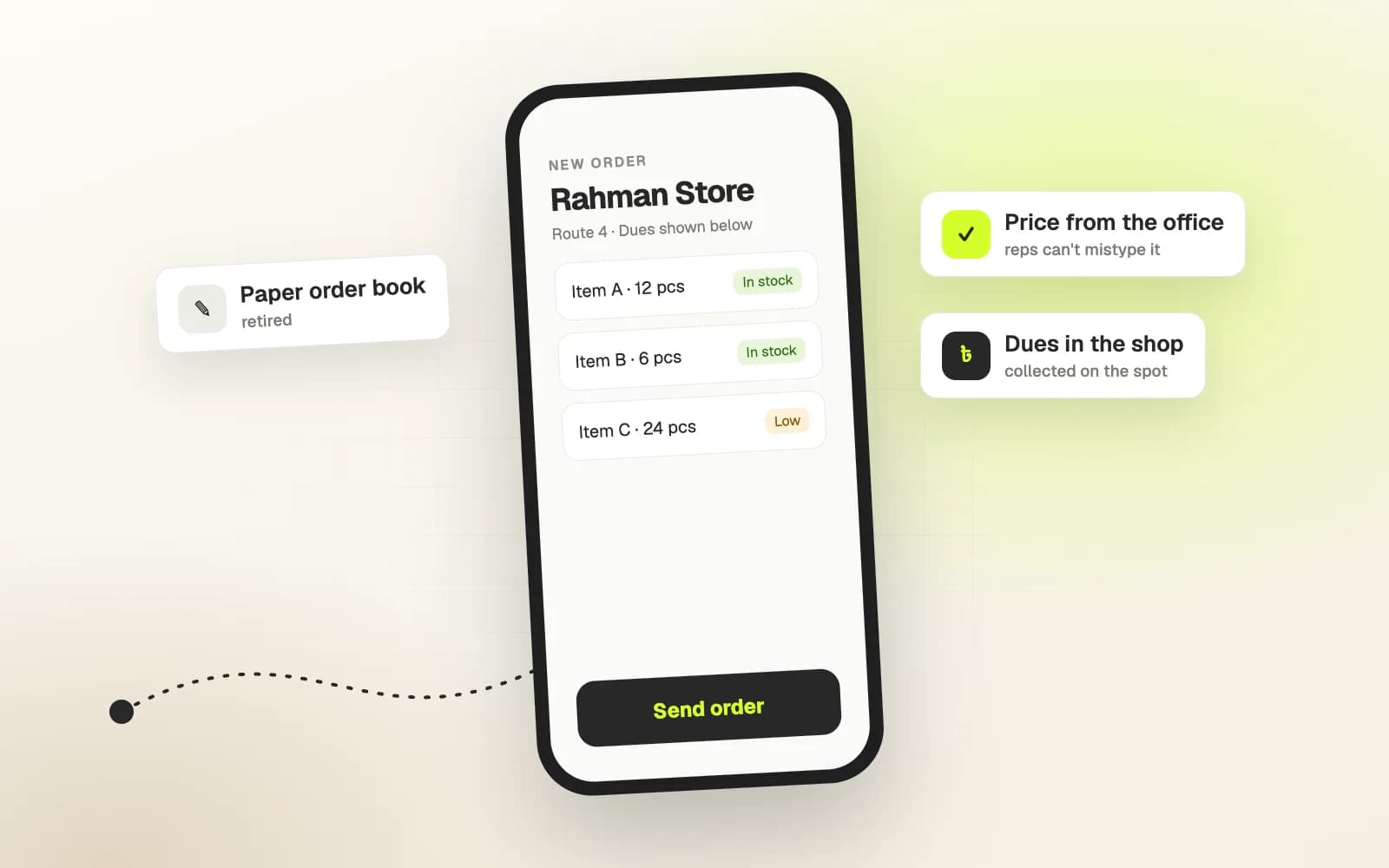
For an FMCG distributor in Bangladesh, the order still often starts on paper. A sales rep visits a shop, writes the order in a book, and someone at the office types it in later, sometimes the next day. Prices get copied wrong, stock that is not there gets promised, and dues are reconciled from memory.
Order management software fixes this when it is built around the way distribution actually works. This guide covers what to look for, whether you buy a system or have one built, and the questions that separate a useful system from an expensive one.
Start with the rep in the shop
The most important user is not the manager looking at reports. It is the sales rep standing in a shop with a retailer who is busy. If the app is slow or confusing there, reps go back to the book and the system fails quietly.
What the rep needs on the phone:
- Find the retailer fast, by name, area or route.
- Build the order in a few taps, from a product catalogue with current price and stock status.
- See the retailer's history and dues, so the conversation about payment happens in the shop, not later.
- Work on a weak connection, and send the order the moment signal allows.
- Bangla where it helps, especially for product names retailers know.
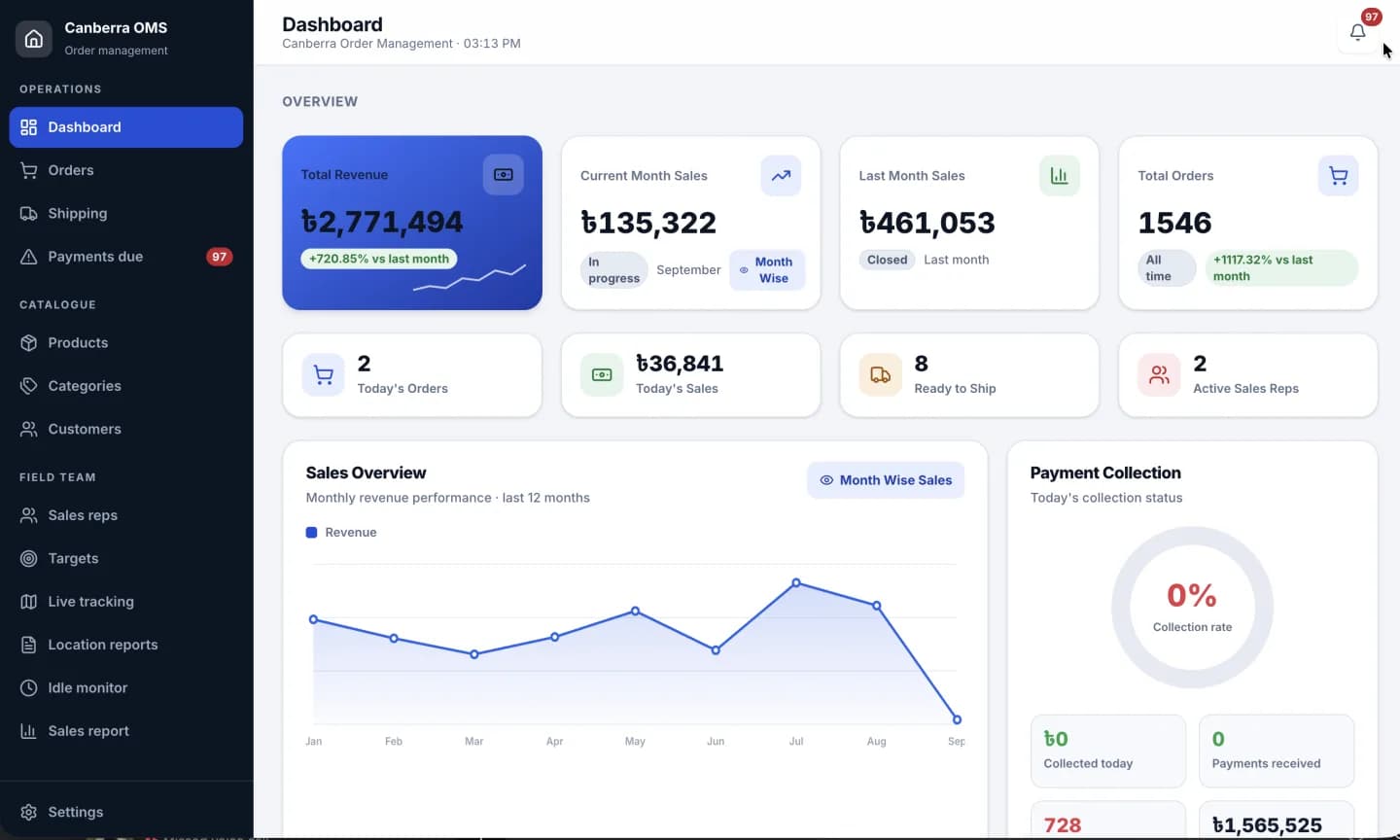
In the order management system we built for a national FMCG distributor, the native Android app is built around the core of this list: pick a retailer, build the order in the shop, with stock status, price and SKU on the screen. The order exists in the shop, not on paper.
What the office needs
Behind the app sits the office, and its jobs are different:
- Orders arriving live, not typed in later.
- Approval and dispatch, with a clear status for every order.
- Product, price and scheme management in one place, so every rep sees the same numbers.
- Collections and dues per retailer, per rep and per route.
- Targets and performance by rep, so managers coach with numbers instead of guesses.
- Reports and exports for accounts.
These belong in a web panel on a big screen, not in the rep's app. Keeping the two apart keeps each one simple.
Prices and schemes are where errors cost money
Distributors run trade schemes, dealer prices and offers that change often. If a rep can type a price, sooner or later someone will type the wrong one. A good system takes prices and schemes from the office side only and applies them automatically on the order. The rep sells; the system prices.
Dues and collections
Many orders are on credit, and collections happen in cash, by bKash or by bank transfer, often in parts. The system should record every collection against the right retailer, show the outstanding balance in the shop, and give the office a clear list of who owes what. Our post on bKash payments with Laravel and Android covers the rules we follow when money moves through an app.
Buy or build?
There are ready-made distribution systems, and for some distributors they are the right choice. Consider a custom system when:
- your schemes and pricing rules do not fit a generic tool,
- your reps work in conditions the tool was not designed for,
- you need the system to match how your principal companies report, or
- you have tried a ready-made tool and the reps went back to paper.
Our guide on custom software or off-the-shelf goes through the decision in more detail.
Questions to ask any vendor or agency
- Can I try the rep's app on a phone, on mobile data, in a real shop?
- How does it handle an order taken with no signal?
- Who can change prices and schemes, and how is that controlled?
- How are collections recorded, and can a payment be counted twice?
- What reports does the office get, and can they be exported?
- Who owns the data, and can we take it with us?
- What happens when a rep's phone is lost?
Rolling it out
The technology is half the work. The other half is getting reps to use it. Three things help:
- Start with one route or one team, fix what they find, then expand.
- Make the app faster than the book. If it is slower, they will not use it.
- Show reps their own numbers. When the app shows their sales and targets, it becomes their tool, not the office's.
We described one such change in from paper order books to live orders.
Questions we get asked
Do reps need expensive phones?
No. A mid-range Android phone is enough if the app is built for it. Test on the phones your reps actually carry.
Can the system work with our accounting software?
Usually through an export or an integration. Decide early which system is the source of truth for invoices and payments.
How long does it take to go live?
A first version for one team can be in use within weeks. Wider rollout depends on training, data cleanup and how many schemes and price lists need to be set up.
If your orders still start on paper, tell us how your day works. See how we approach custom software development in Dhaka.